
 MCP
MCP

Drive ComfyUI from any AI agent.
Comfy MCP exposes the full ComfyUI engine over the Model Context Protocol — so your assistant can access the ecosystem, build workflows, and generate images, video, audio, or 3D.
Set up Comfy MCP
Two ways to connect: add the server yourself, or ask your agent to install it. Sign in once, and the full ComfyUI toolset is available right in your chat.
Add Custom Connector
Add this URL as a custom connector or remote MCP server in your client, then sign in when prompted.
Click Customize in the sidebar, open Connectors, choose Add custom connector, paste the URL above, and sign in.
Why build on Comfy MCP?
A trusted infrastructure that lets engineers and professionals ship faster.
Open protocol, any client.
MCP is an open standard, so any MCP-compatible client can connect. Claude Code, Claude Desktop, and Codex sign in with OAuth; every other agent connects with an API key.
The full engine, not a sandbox.
Same tool your team uses. Fully connected multi-step, multi-GPU workflows. Everything available now and in the future.
Outputs you keep.
Downloads go to your Comfy library — store, reuse, remix, and share without leaving the ecosystem.
Powered by Comfy Cloud.
Run without a local GPU through the same infrastructure your team already trusts.
Everything ComfyUI can do, now available as tools.
Generate anything
Generate images, video, audio, 3D, upscale, or remove backgrounds. Add or remove elements in images, create or modify any visual, audio, or 3D asset at any scale.

Search the ecosystem
Query thousands of models, browse rankings, and choose workflow templates straight from your response.
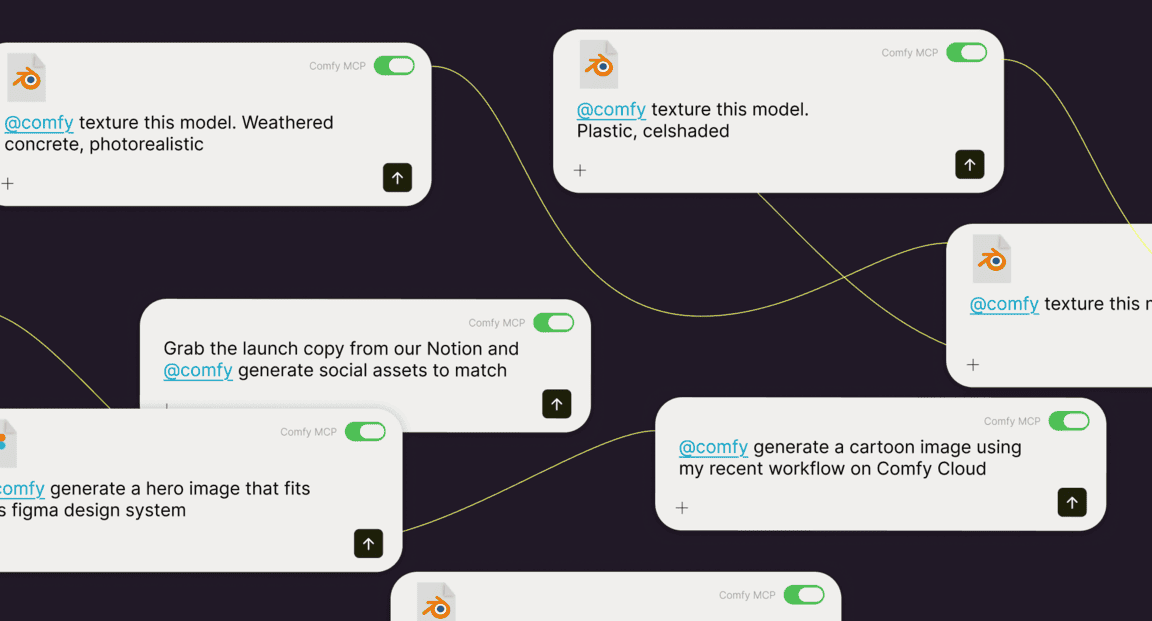
Run real workflows
Submit graphs, track jobs, and pull outputs back. Save and share workflows, reuse a saved one, or open any run on the ComfyUI canvas — the full engine, driven by tool calls.
Direct any model
Kling, Veo, Seedance, Flux, GPT-Image, Nano Banana, and ElevenLabs. Closed partner APIs and open-source models, reached through one set of tools.

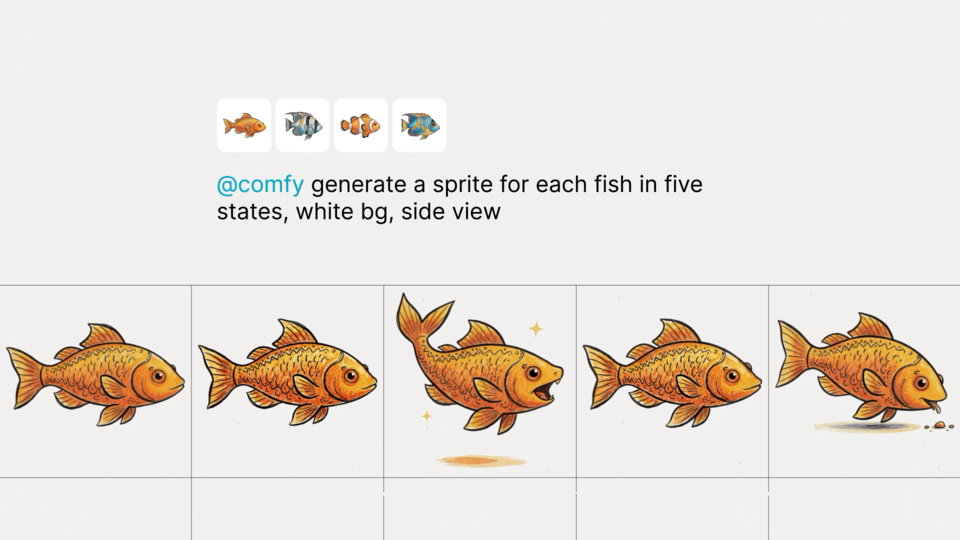
Generate in batches
Stack a batch on the Queue, track it, and pull back every output. Dozens of runs from a single call.
Ship it as an app
Turn any workflow into an app with a shareable URL. Collaborators run it in the browser — only the inputs you expose, nothing to install.
How it works
01
CONNECT
Add the Comfy Cloud MCP server to Claude Code or Claude Desktop and sign in once with OAuth. No API keys to manage.
02
DISCOVER
Your agent gets Comfy's tools: search, generate, submit, and retrieve — everything it needs to create.
03
CREATE
Request what you want, the agent queues and runs the workflow, and returns the finished result.
The AI creation engine for complete control
Over every model, every node, every step, every output.
Comfy Desktop
Run ComfyUI on your own hardware.
SEE DESKTOP FEATURESComfy Cloud
The full power of ComfyUI from anywhere.
SEE CLOUD FEATURESComfy API
Turn workflows into production endpoints.
SEE API FEATURESComfy Enterprise
Enterprise-grade infrastructure for the creative engine inside your organization.
SEE ENTERPRISE FEATURES